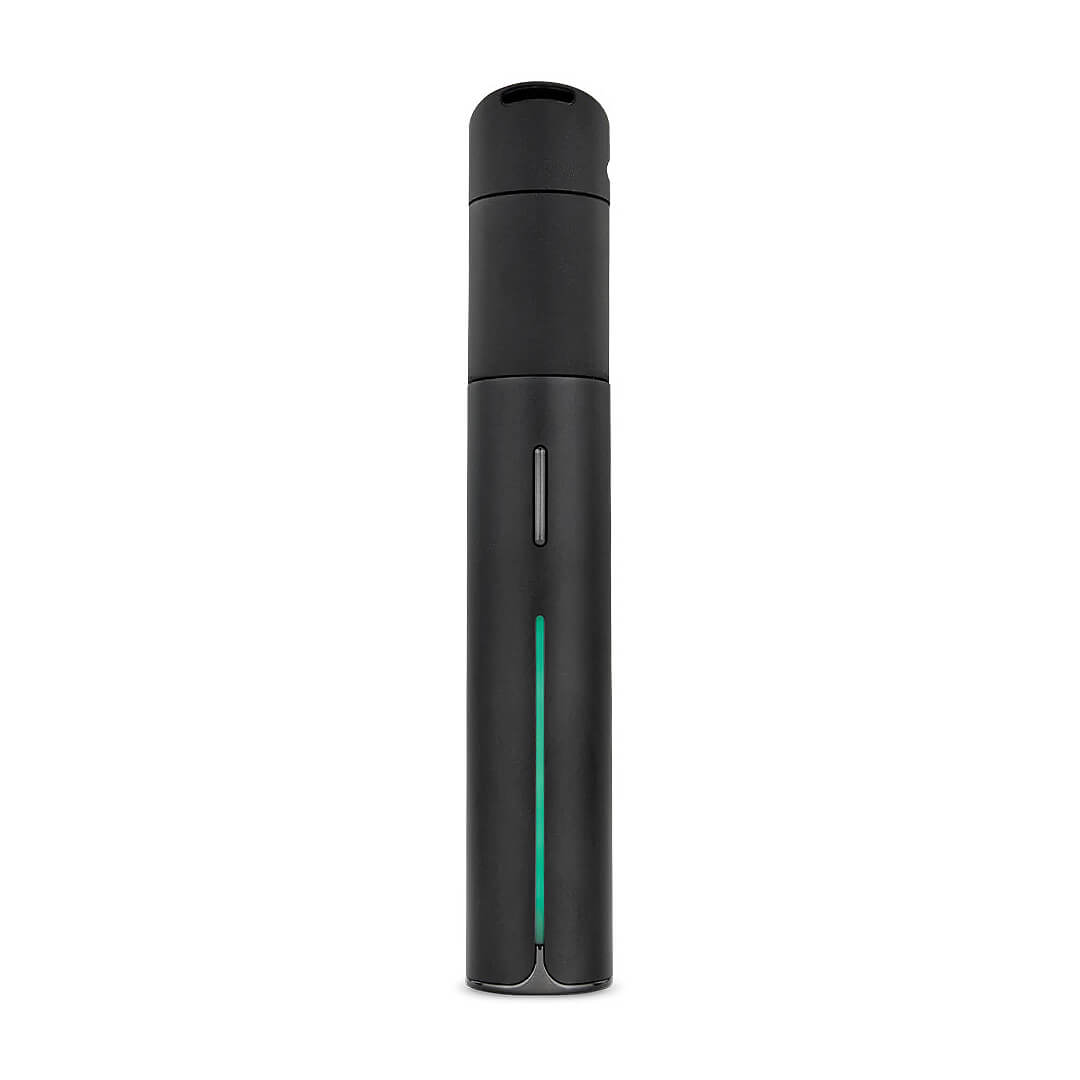
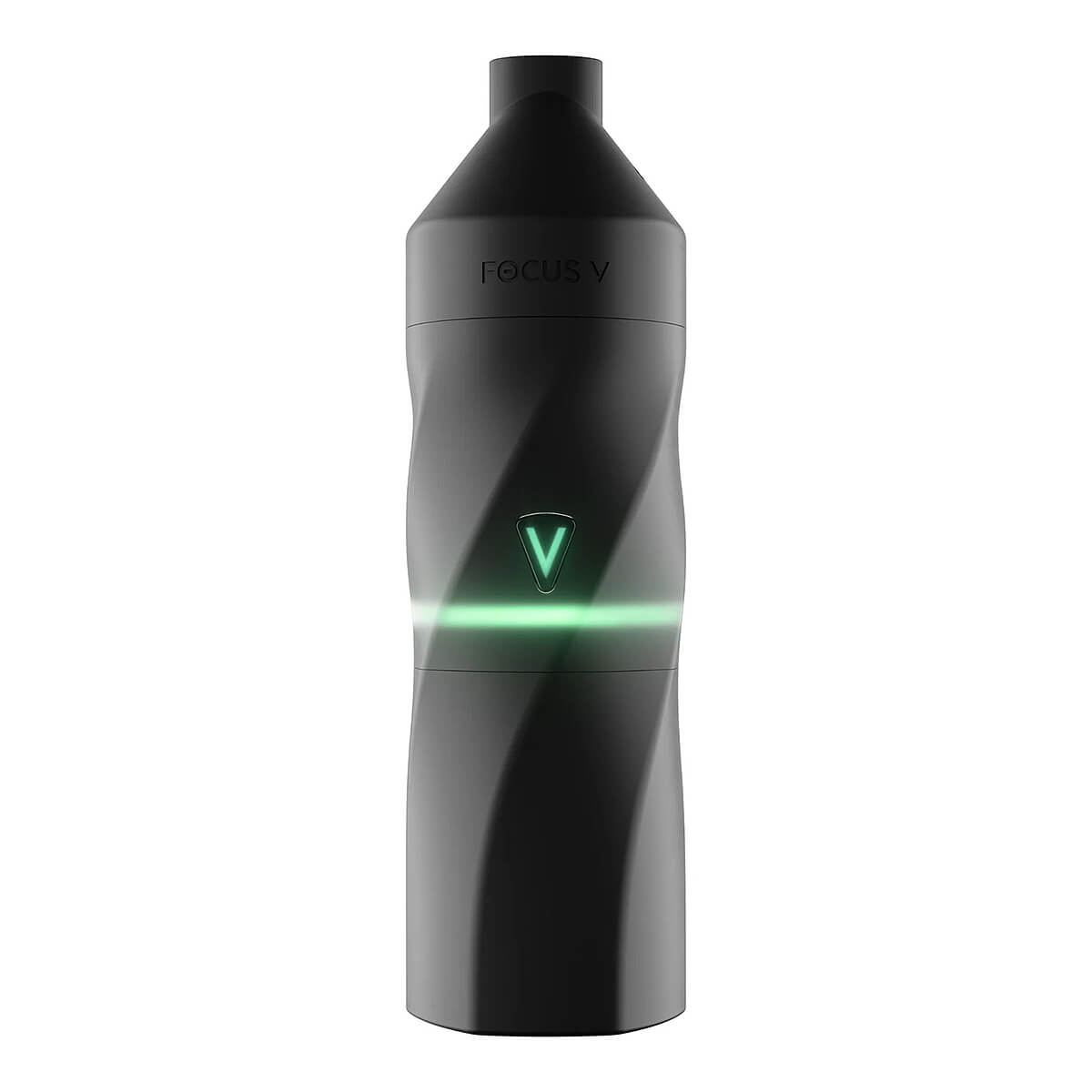
Power Supply Replaceable Battery Battery Life 4 Sessions Heat Time Under 1 Min. Heat Style Convection Heat Range 365°F – 600°F (185°C – 315°C) Use with Concentrates Includes AERIS Vaporizer x1 Intelli-Core™ Atomizer x 1 Changeable Battery Pack x1 Magnetic Mouthpiece w/ Ceramic Insert x1 Shoulder Carrying Bag x1 Dust Cap x1 Pack of Dab Swabs x1 Dab Tool x1 USB-C Cable with Pass-through x1 Compatible with The V Browser AERIS Review The Focus V AERIS is a smart but small dab rig made for traveling, with the power of a CARTA 2. Even though it’s compact, it can produce large clouds. This smart vape makes dabbing on the go a breeze. Just turn on the AERIS vaporizer and choose your setting, activated with two clicks. Once you activate your desired settings, it only takes two clicks to be ready to dab. AERIS’s design fits perfectly in your hand- the device feels sturdy, sleek, and polished. You can depend on the AERIS for hitting dabs anywhere you go- the perfect dabbing device that fits in your pocket! If you are looking for real clouds, the AERIS is for you. Quick Start Make sure to fully charge your AERIS device before using it for the first time. 1. Turning On and Off a. To power up the AERIS, quickly press the “V” button five times. You’ll feel a vibration, and the LEDs will illuminate green. b. When ready to power off the AERIS, simply follow the same steps as before. If left unused for ten minutes, the AERIS will automatically switch off. Additionally, the lights will turn off by themselves if not used after 5 minutes. 2. Starting a Session a. Clicks sets your dab in motion just like the Carta. After powering on the AERIS smart vaporizer and choosing your settings, double-click the “V” button. LED lights and a vibration will confirm your session has begun. b. Once the AERIS reaches the set temperature, it will vibrate. Throughout your session, you can prolong it by ten seconds with a double-click of the “V” button. 3. Sesh Settings To select your temperature, click the “V” button and wait a few seconds. Choose from Blue (425F), Yellow (450F), Green (475F), Purple (500F), and Red (525F). You can also use the Focus V Browser to customize the temperature. 4. LED Modes a. When you’re prepared, quickly press the “V” button three times. Press it once more to cycle through the presets; there are five options, including turning off the LEDs. 5. Checking the Battery Level Click the “V” button four times to check the battery level; if it does not come on, you need to charge the device. b. Red means your battery level is at 10%, yellow is 25%, blue is 50%, and green is 75%-100% battery life. Helpful Resources Register your AERIS smart vaporizer How do I safely clean the AERIS smart vaporizer device? AERIS User Manual Connecting AERIS to the Focus V Browser App CityVaporizer – Submit a Retailer Support Ticket